We install and run the generators ourselves — from 3D models and video to sound effects. We write down how much VRAM each needs, what runs on CUDA and what works on Apple MPS and AMD ROCm, which is open source and which is a cloud subscription.
We read visitors’ search queries and write about them — ask right here.
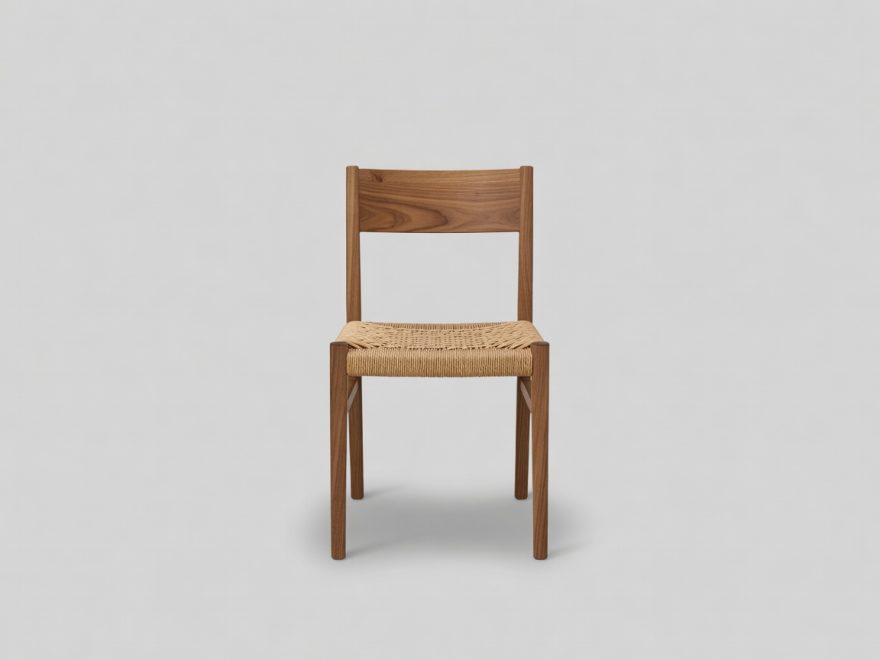
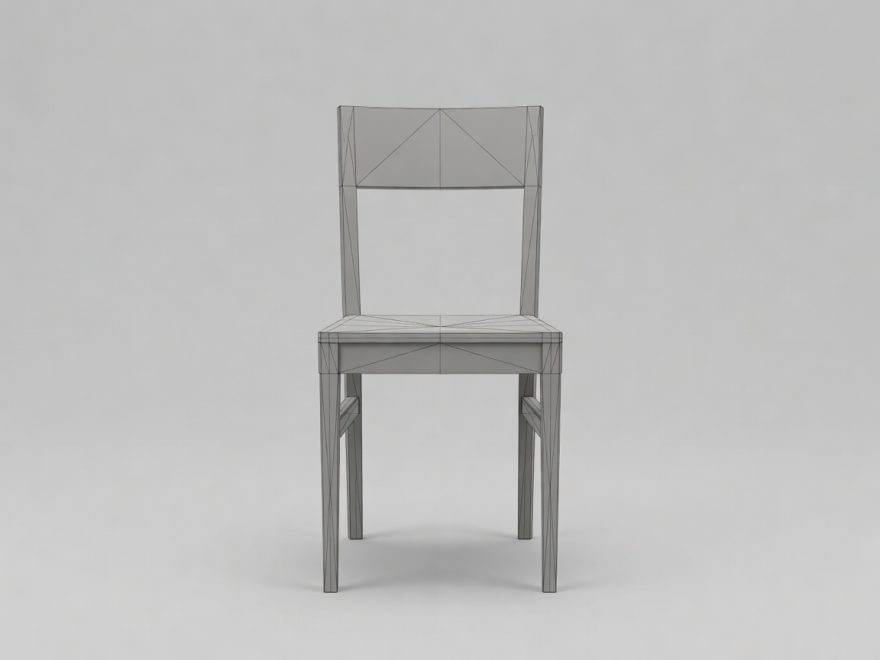
“a clay teapot
with a faceted lid,
low-poly”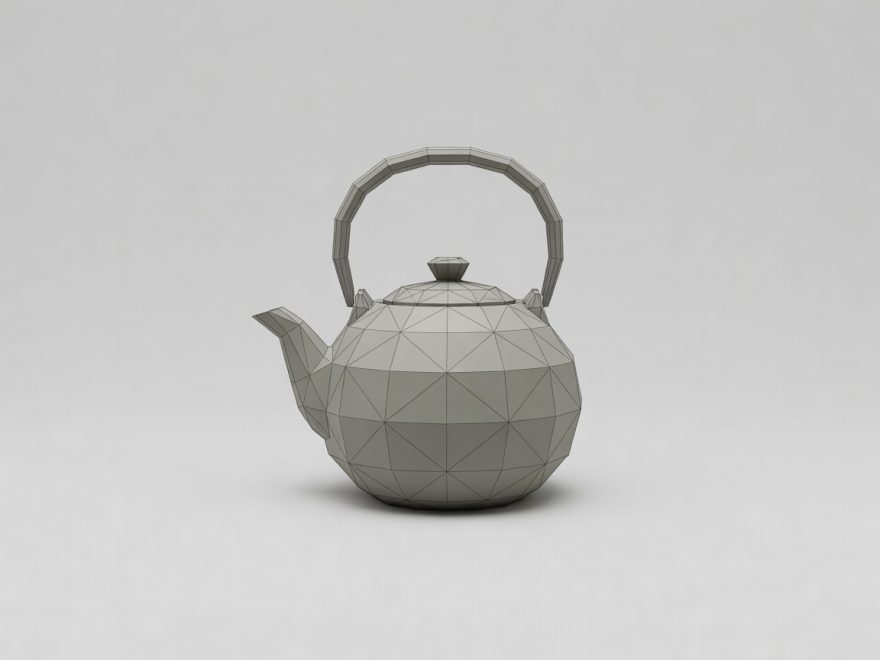


“rain on a tin roof,
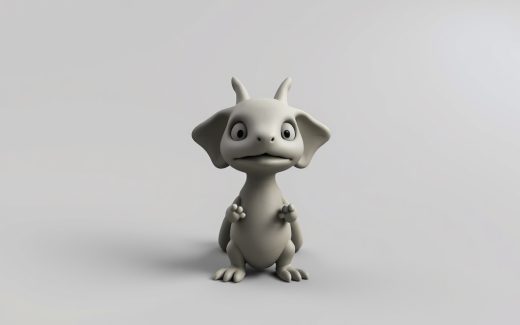
distant thunder”The illustrations are AI-generated — examples of what the catalogued tools do, not their live output. Memory thresholds come from the fact sheets.
What runs locally
The whole tool database →Pick a type, a chip — CUDA, Apple MPS or AMD ROCm — and a VRAM ceiling. What remains are the models that actually start. Requirements are as described by the authors, with a source and check date for every value.
| Tool | Type | Runs | VRAM | Backends | Formats |
|---|---|---|---|---|---|
| LTX-Videoimage-to-video | Video | open source | from 1 GB * | Apple MPS | — |
| ChatTTStext-to-audio | Audio | open source | from 4 GB * | — | — |
| Zero123++ | 3D | open source | from 5 GB * | — | — |
| Stable Fast 3Dimage-to-3d | 3D | open source | from 6 GB * | CUDAApple MPS | glb |
| threestudio | 3D | open source | from 6 GB * | CUDA | obj |
| TripoSRimage-to-3d | 3D | open source | from 6 GB * | CUDA | — |
| MMAudio | Audio | open source | from 6 GB * | CUDA | — |
| FramePack | Video | open source | from 6 GB * | CUDA | — |
Showing the most accessible by VRAM threshold. Cloud services need no VRAM — they need a subscription: they are in their own list.
AI news — every day
The whole feed → 2026-11-06
Nous Research Releases Arete-27B — a Post-Trained Version of Alibaba's Qwen3.8-27B
Nous Research has published the Arete-27B model on HuggingFace for the text-generation task. It is a post-trained version of Alibaba Qwen3.8-27B: the authors pe…
2026-11-06
Nous Research Releases Arete-27B — a Post-Trained Version of Alibaba's Qwen3.8-27B
Nous Research has published the Arete-27B model on HuggingFace for the text-generation task. It is a post-trained version of Alibaba Qwen3.8-27B: the authors pe…
Fresh arXiv papers and model releases — briefly, with a note on what you can already run yourself.
From points to a model
This is how every 3D generator works: first a point cloud, then a surface, then materials. Click and we show it step by step. The page stays light when opened: the frames load only when you ask.

The frames load only now, not when the page opens. They are AI-generated illustrations — a real viewer will appear when our “3D from a picture” tool goes live.
Fresh generator reviews
LatestMost read idol: 3D generator — what it does and what you need to run itidol is an open source 3D generator from speridlabs. It handles image-to-3D: you feed it an image and get a 3D model as output. The model is published…
 Nous Research Releases Arete-27B — a Post-Trained Version of Alibaba's Qwen3.8-27BNous Research has published the Arete-27B model on HuggingFace for the text-generation task. It is a post-trained version of Alibaba Qwen3.8-27B: the…
 Gaussian-Splat-Lite: 3D Generator — What It Does and What You Need to Run ItGaussian-Splat-Lite is an open source 3D generator from developer William Liu. The tool is built as a high-performance 3D Gaussian Splatting renderer…
 RAGFlow 1.0.0: agent platform reaches stable releaseRAGFlow 1.0.0 stable release is out, dated 06.11.2026. It is a platform for building AI agents with a knowledge base, which the authors describe as an…