Rodin: 3D generator — what it does, formats, and rights to the result
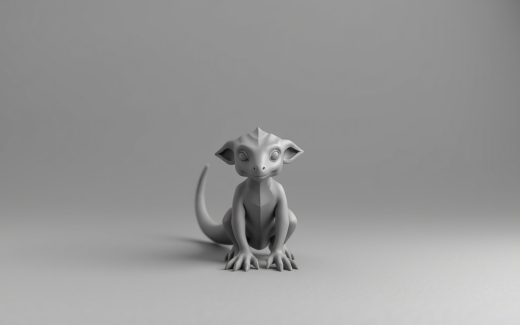
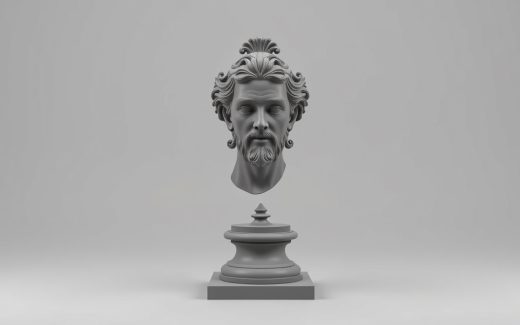
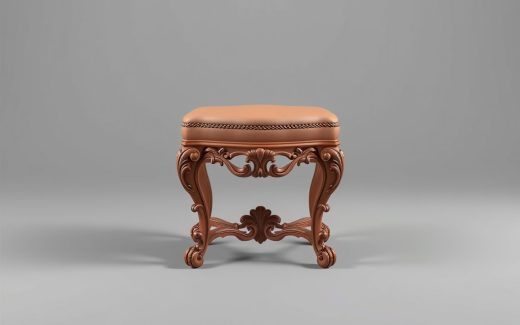
Rodin is a cloud-based 3D generator from Deemos, powered by the Gen-2 model. The service turns text descriptions or images into 3D assets without requiring any 3D modeling skills from the user. The code is not published, and the system cannot be installed locally.
What it does
The input is text or an image. The output is a 3D model. As stated by the developer, export is available in GLB, OBJ, FBX, and other formats. Textures can be requested in Shaded or PBR variants. The mesh can be triangular or quad-based, depending on the selected model format.
Two mesh construction modes are available:
- Raw — from 500 to 1,000,000 polygons (500,000 by default).
- Quad — from 1,000 to 200,000 polygons (18,000 by default).
How to use it
Rodin can be used through a browser, an API, and plugins for Blender, Unity, Unreal, Godot, Maya, 3DS Max, and ComfyUI. The service does not provide its own model or weights, and local running is not supported — everything happens on the cloud side.
API documentation is available at: https://developer.hyper3d.ai/api-specification/overview_reset_v.md.
Rights to the output
Using generated models in commercial projects is possible but depends on the plan and license. Paid and enterprise tiers, as described by the developer, are designed for professional scenarios: games, e-commerce, product visualization, advertising, AR/VR, 3D printing, and manufacturing workflows. The authors suggest checking the specific terms of each plan for details on rights transfer.
Who it is for
The service is aimed at those who need to quickly produce 3D assets from a text description or reference image without manual modeling. Integration with game engines and 3D editors makes it convenient for pipelines in game development, visualization, and AR/VR.
It is not suitable for those looking for an open-source solution with local running and model fine-tuning. It is also worth noting that commercial usage rights are tied to the plan — for one-off free projects, this could be a limitation.
Rodin offers model generation with adjustable mesh detail and multiple export formats, but remains a fully cloud-based tool. Before getting started, it makes sense to check the documentation and license terms, especially if the output is intended for a commercial product.
Fact sheet
| Task | 3D model generation from text or images per the website source |
|---|---|
| How to use | Browser, API, plugins for Blender, Unity, Unreal, Godot, Maya, 3DS Max, ComfyUI per the website source |
| Input | Text, image, multiple images per the website source |
| Commercial use | Paid tiers include broader export and usage rights per the website source |
| Export formats | STL, FBX, OBJ, GLB, GLTF, USDZ per the website source |
| Model version | Gen-2.5 per the website source |
|---|---|
| Free tier | Free generation before confirmation, export from legacy models, basic image-to-3D and text-to-3D, 10 private assets, publishing to the gallery per the website source |
| Cheapest paid plan | Creator — $30/mo per the website source |
| Limits | 50 free retries per the website source |
Values are collected automatically from official sources and were checked on 2026-10-05. Each one links to its source, and values taken from the developer’s pages also carry a verbatim quote — hover over the note. Pricing and versions are shown as of the check date and change most often; verify on the vendor’s site before buying.