OOOSplat 0.8.0 unifies input and fixes camera recovery
OOOSplat 0.8.0 has been released. The release dated November 12, 2026 focuses on unifying work with multiple sources, fixing camera reconstruction, handling transparent images and precise framing. MCP and WASD controls have also been updated.
What it means
In our reference, OOOSplat is open source under the Apache-2.0 license, and the developer is ooolab. The application runs locally on Apple Silicon, as well as in alpha versions for Windows and Ubuntu 24.04 LTS x86_64. The entire pipeline — frame preparation, camera reconstruction via COLMAP, Brush training and publishing final.ply — runs on the user's machine's CPU and GPU, with no upload to the cloud.
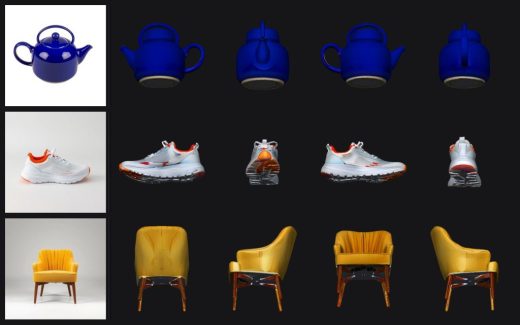
Release 0.8.0 directly affects this pipeline: you can now add multiple MP4/MOV videos, image folders and individual photos at the same time, and regular and ERP panoramic images are merged into a single scene if there is a spatial connection between them. For sets of more than one hundred images, sequential or exhaustive matching is available. Initial generation, additional capture and continued generation use a shared pipeline, and interrupted tasks are restored via "continue generation" while preserving the original quality settings and framing plan.
Handling of transparent images has been fixed separately: for SfM, separate RGB with premultiplied alpha and a grayscale mask are generated, whereas Brush is trained on the original RGBA. Precise framing now uses end-to-end timestamps and verifies that source frames match, which eliminates failures when frames are incompletely exported from FFmpeg. Importing new COLMAP files is not supported in this version, but existing tasks and the internal COLMAP process are unaffected.
The update primarily concerns those who work with multiple sources or have encountered camera reconstruction errors and transparent images. For the basic "one video — one model" scenario, the changes are less noticeable.How the method works. The diagram is drawn based on this news note.