Hunyuan3D 2.1 without CUDA (Mac and AMD): 3D generator — what it does and what you need to run it
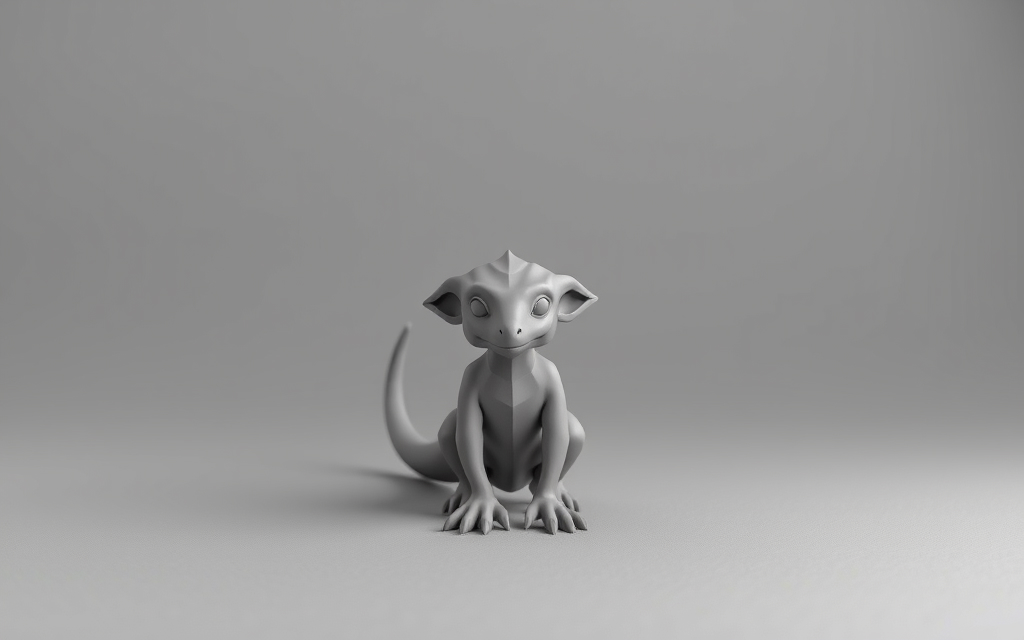
Hunyuan3D 2.1 without CUDA is a build that lets you run Tencent's Hunyuan 3D 2.1 3D object generation model on computers without NVIDIA graphics cards. The author adapted the code to run on Apple Silicon via Metal Performance Shaders and on AMD via ROCm, adding a web interface and PBR texture support.
What it does
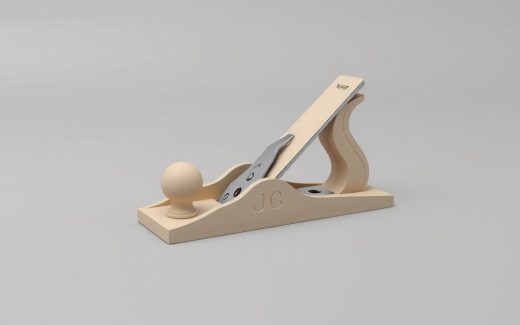
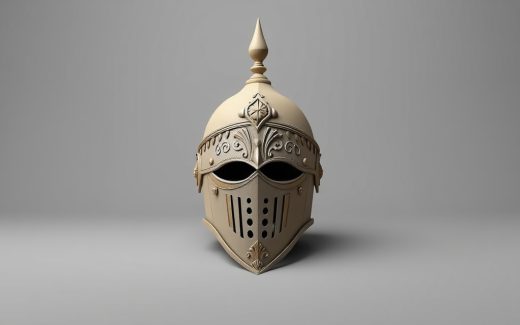
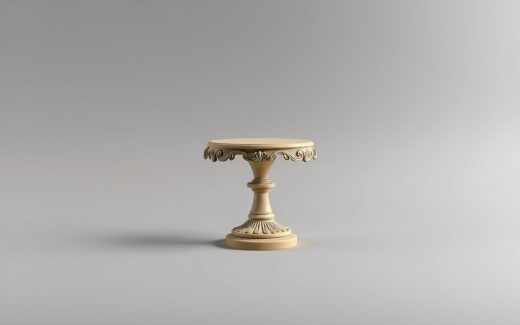
The generator creates a 3D model from a single PNG or JPG image. The output is a mesh with textures that can be saved in one of seven formats: obj, glb, ply, stl, fbx, dae or 3mf. According to the author, the model now outputs PBR textures — that is, maps suitable for physically based rendering.
The web interface is localized into three languages: English, Chinese and Russian. The build includes installer scripts and a compatibility layer that replaces CUDA dependencies with MPS or ROCm calls.
What you need to run it
Running it requires about 30 GB of disk space for the model weight files. The description states that the shape weights take roughly 15 GB, the paint weights about 6.5 GB, the facebook/dinov2-giant model about 4.5 GB, plus the RealESRGAN checkpoint.
Platforms listed by the author: Apple Silicon (via MPS) and AMD (via ROCm). Python version 3.10—3.12, git and a working PyTorch under ROCm are required. The install script does not overwrite an existing PyTorch, since the correct wheel depends on the architecture.
The code is open under the Tencent Hunyuan 3D 2.1 Community License: commercial use is permitted with a monthly audience of up to 1 million users, and the license does not apply in the EU, the UK or South Korea. The repository was created on April 18, 2026, the last code change was on August 9, 2026, and the latest release is v0.1.0.
Who it suits
The tool is aimed at those who do not have an NVIDIA CUDA graphics card but do have a Mac on Apple Silicon (M1, M2, M3, M4) or an AMD graphics card with ROCm support. It lets you quickly get a draft 3D model from a photo or sketch without renting cloud capacity or assembling dependencies by hand.
It is not suitable for Windows users with NVIDIA graphics cards — for them it makes more sense to take the original Tencent project. Nor should you expect high speed on Mac integrated graphics or weak AMD cards: 30 GB of weights and heavy computation require modern hardware and patience during loading.
Vladimir Talyzin's build removes the CUDA barrier for Mac and AMD owners, packaging the Hunyuan3D 2.1 model into a localized web interface with installers. At the same time, the volume of weights to download and the Tencent Hunyuan 3D 2.1 Community License with its commercial use limit of up to 1 million MAU are factors worth evaluating before installing.
Fact sheet
| Code license | Tencent Hunyuan 3D 2.1 Community License: commercial use up to 1M MAU source |
|---|---|
| Platform | Apple Silicon, MPS, ROCm per the author’s description source |
| All weights files | 30 GB per the author’s description source |
| Export formats | obj, glb, ply, stl, fbx, dae, 3mf per the author’s description source |
| Python | 3.10 per the author’s description source |
| Language | Python source |
| Last code change | 2026-08-09 source |
| Repository created | 2026-04-18 source |
| Latest release | v0.1.0 source |
|---|---|
| Release date | 2026-04-18 source |
| GitHub stars | 7 source |
| Forks | 2 source |
Values are collected automatically from official sources and were checked on 2026-10-03. Each one links to its source, and values taken from the developer’s pages also carry a verbatim quote — hover over the note. Pricing and versions are shown as of the check date and change most often; verify on the vendor’s site before buying.